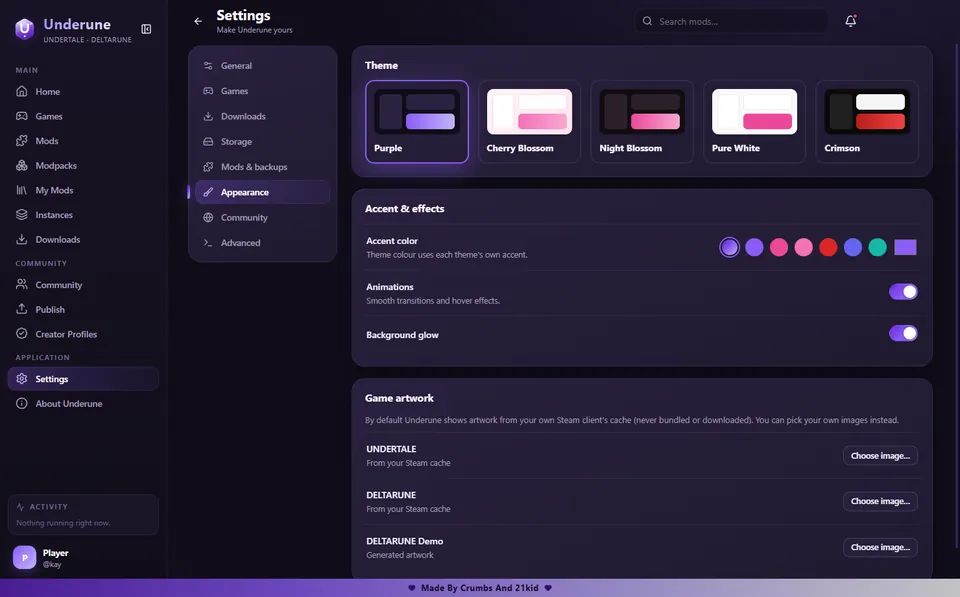
Interactive preview
Take Underune for a test drive
Everything below runs in your browser. Launch games, choose a Deltarune chapter, run a Steam scan, create an instance or change the theme — nothing to install.
Launcher preview

Underune is a desktop app, so the preview is scaled down on phones. Use the buttons above to switch screens.
Things to try
Five minutes, five discoveries
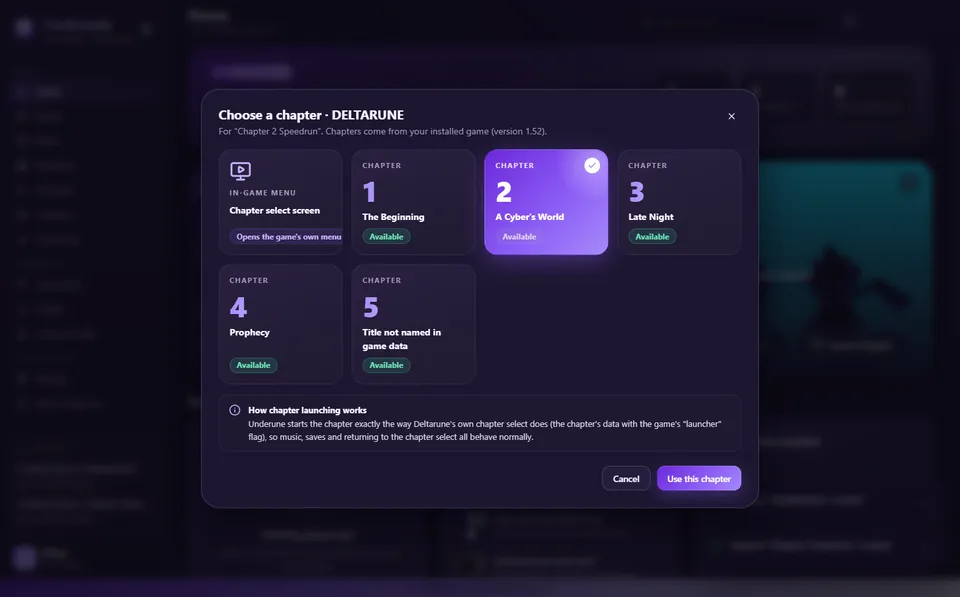
Pick a chapter
On Home, press Select Chapter on the Deltarune card, choose Chapter 4 and launch it.
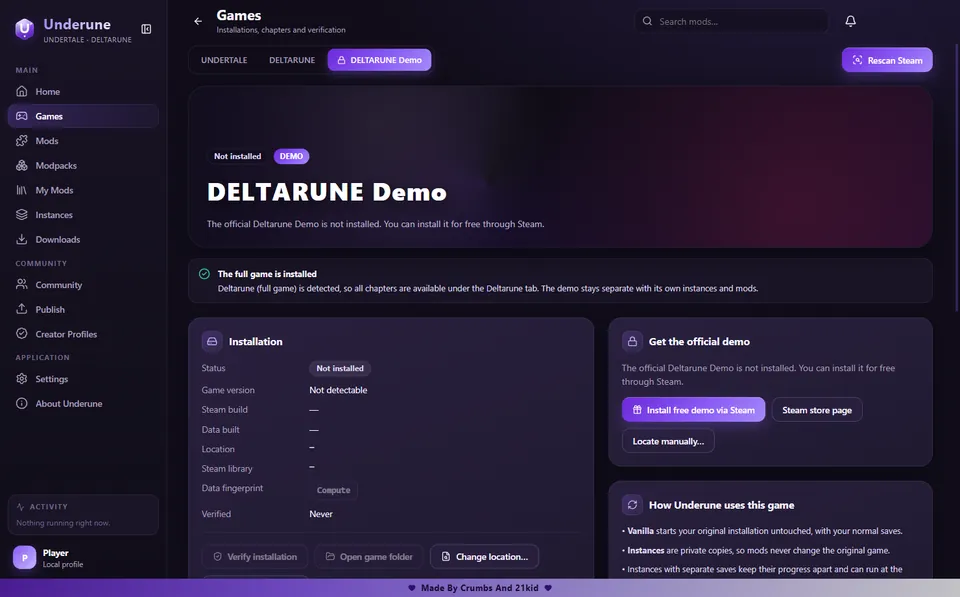
Rescan Steam
Open Games and press Rescan Steam to watch every detection step.
Switch scenarios
Choose Demo only or Nothing found to see locked games and the Deltarune Demo fallback.
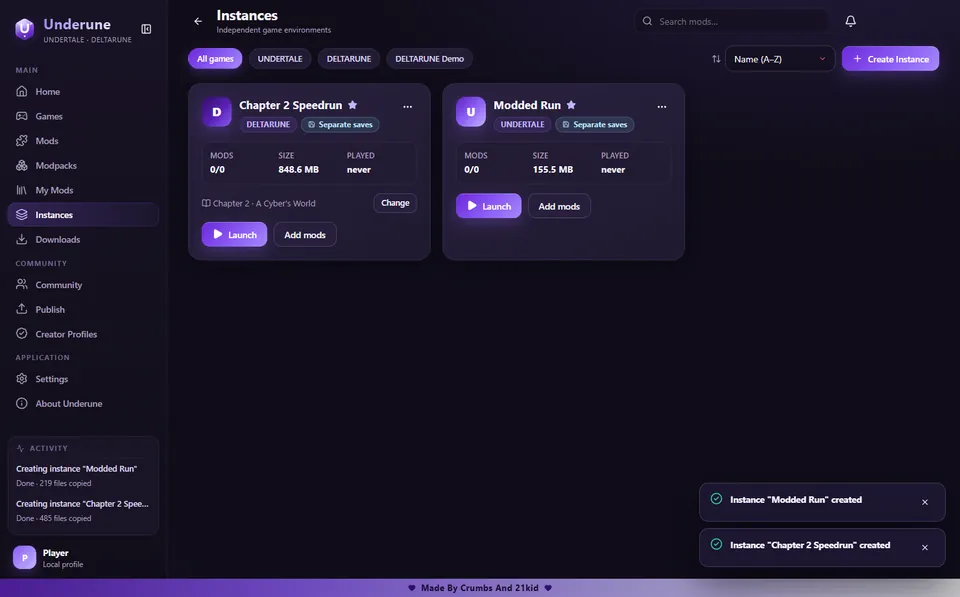
Create an instance
In Instances, create a private copy and watch it being prepared.
Change the theme
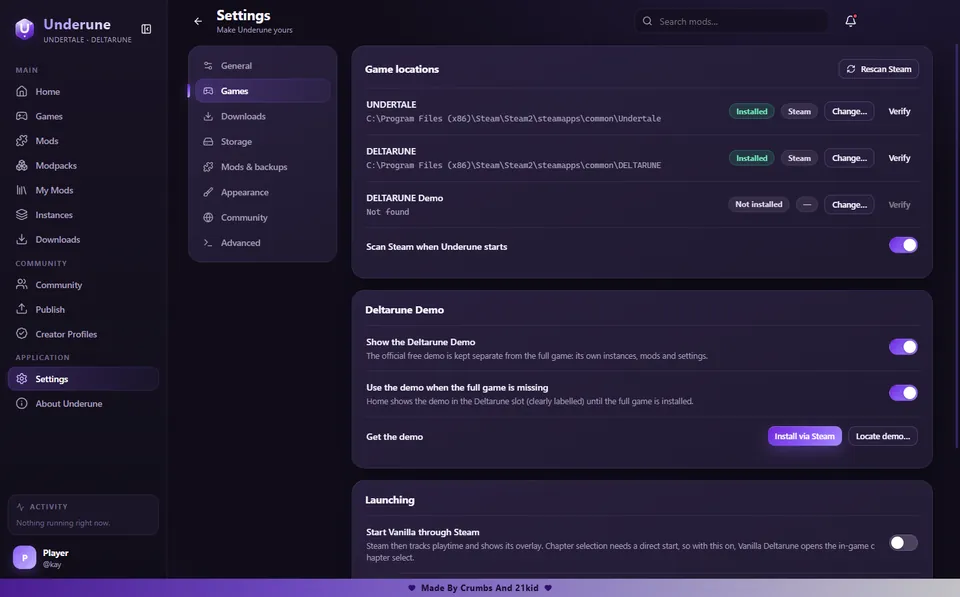
Settings → Appearance: try Cherry Blossom, Crimson or a custom accent.
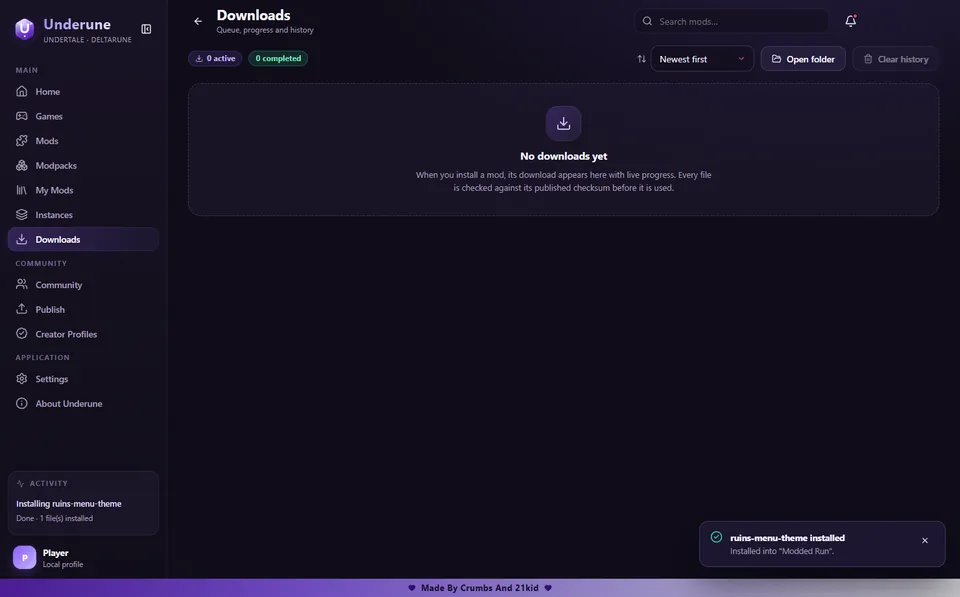
Pause a download
Downloads can be paused, resumed and cancelled — and only finish once verified.
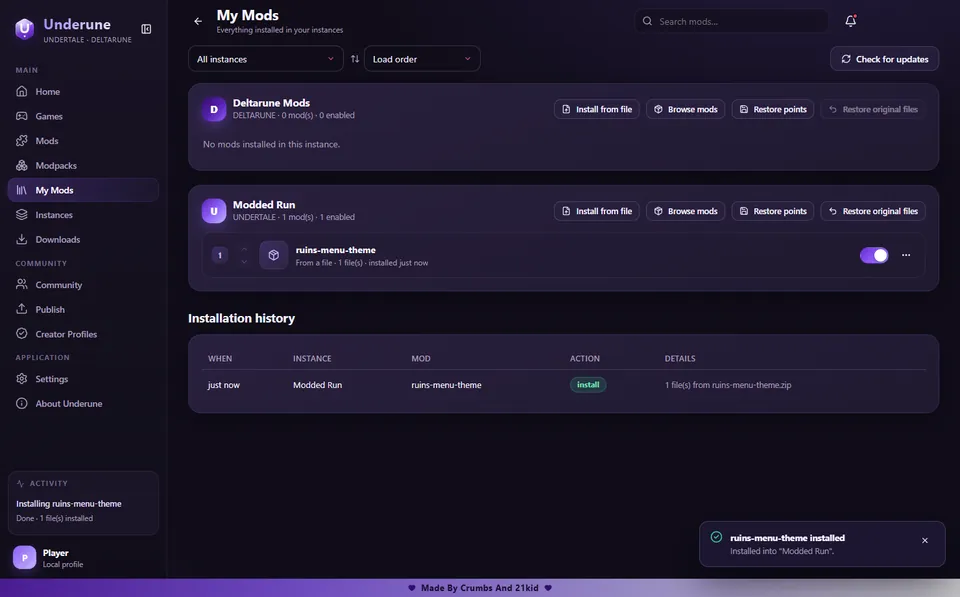
Real screenshots
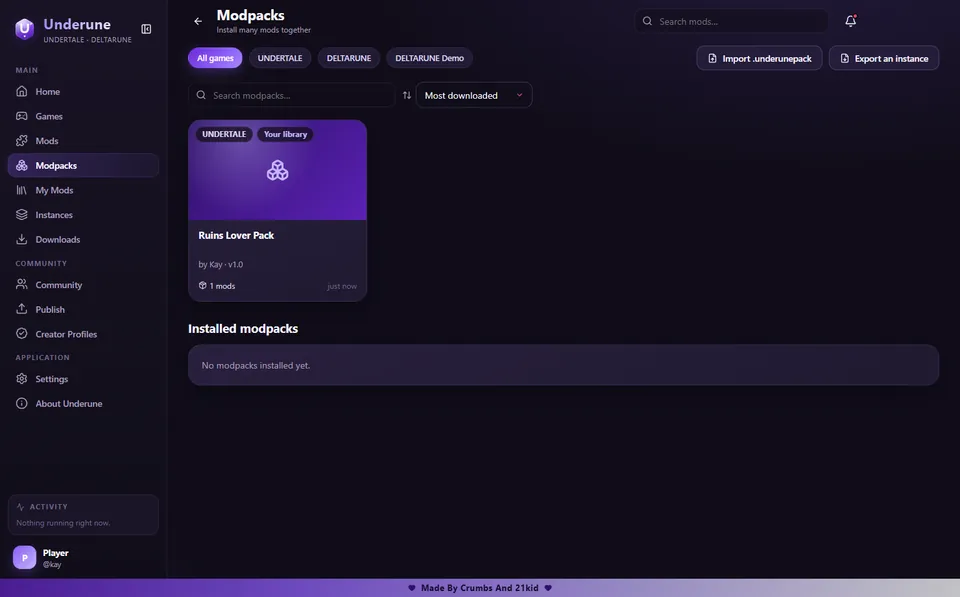
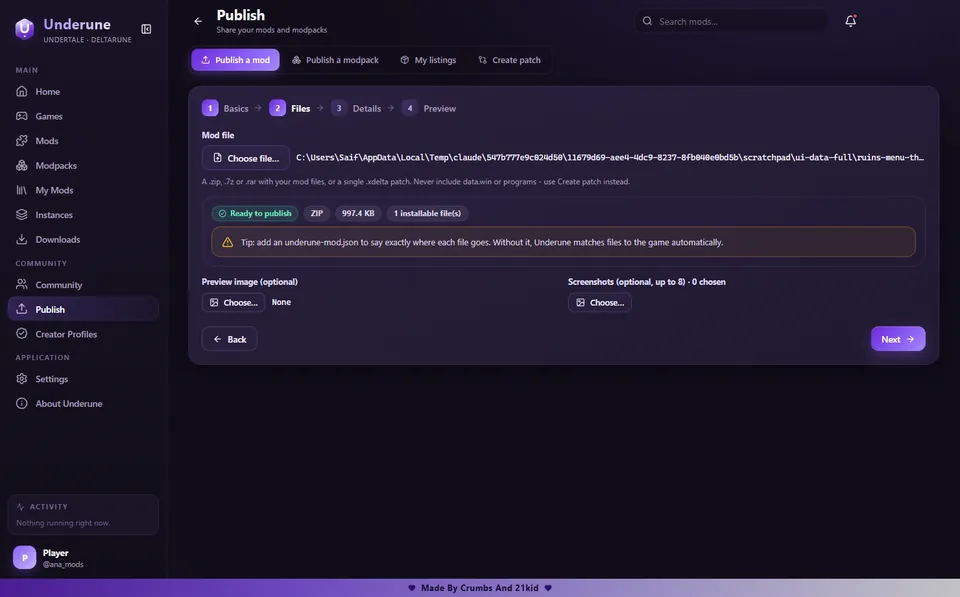
The actual app, page by page
Captured from Underune 0.1.0 on Windows 11. Click any image to enlarge it.